
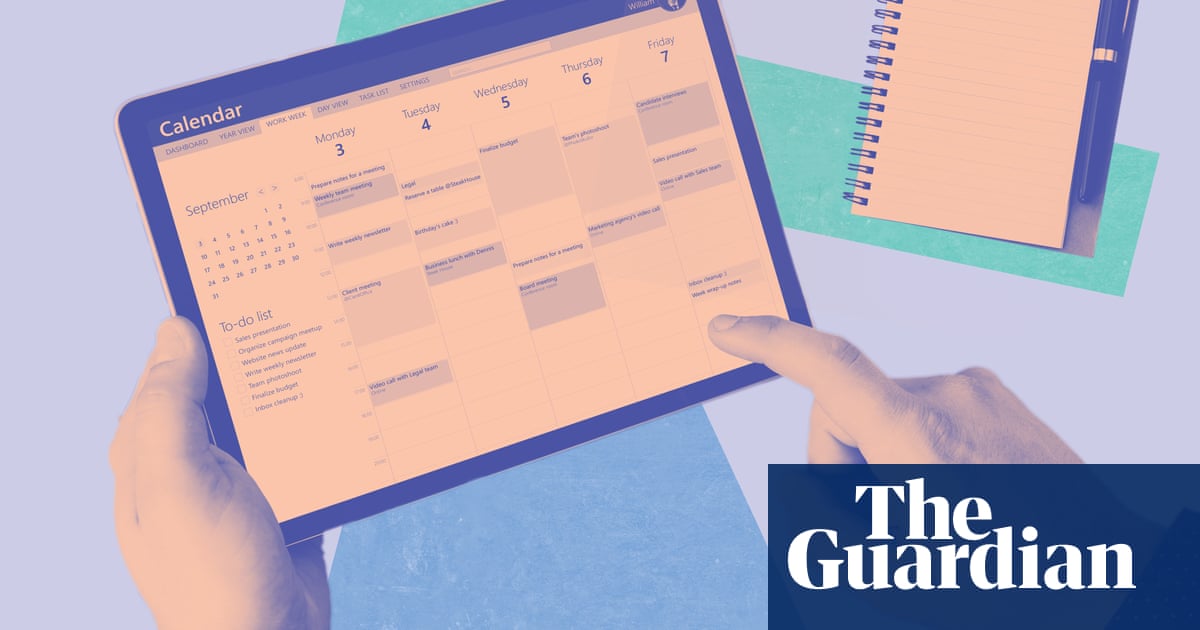

Some of us are utterly hopeless with admin, others so good they do it for a living. What are the best ways to get your working life under control? Administrators share their productivity tips and efficiency hacks.
Plan your day …
“First thing in the morning, I spend half an hour going through emails and making a plan for the day,” says Claudine Hopgood, an administrator for the heads of product planning and network sales at Volkswagen Group UK in Milton Keynes. “You can never schedule 100% of your day; I schedule 80%, and the other 20% is to allow for unforeseen interruptions.”
… and your week
“Have a good overview of your week,” says Suzanne Ekpenyong, the lead virtual assistant of an agency of VAs that she runs from Woodford, east London. “Check your availability and whether it works for you. Do you have enough desk time? Are you travelling too much? Does it work around your personal life? What is your energy going to be like that week? I think everybody should get into the habit of looking at their diary from an energy perspective and seeing if there is enough balance there.”
Get the most difficult task out of the way first
“I eat the frog first,” says Hopgood, referring to motivational speaker Brian Tracy’s theory that you should start the day with your most tedious task to get it out of the way. “Procrastination is king. If you continually put off the three tasks you have to get done, you know they’re not going to get done. So get them done first and get the dopamine hit afterward.”
Maximise your calendar notifications
“Make sure you have notifications set up on your diary system,” says Ekpenyong. “Google or Outlook might give a notification 15 minutes before something starts but, when you set up the meeting or appointment, it is useful to put in a notification three days before, two days before, and so on, so that you’re on top of your preparation. This helps you to not stress at the last minute.”
Craig Bryson agrees. The executive assistant at a private equity company in Mayfair, who hosts a podcast for administrators, says: “I use my mobile calendar to remember birthdays and anniversaries – I have 46 cousins, so I need to be on top of that. I always hear the comment, ‘Oh, you’re a man – are you able to multitask?’”
Abide by the four Ds
“This is great for culling your inbox,” says Ekpenyong. The Ds stand for do, defer, delegate and delete. “Do what you need to do in the moment; defer it until later, so it might go on your to-do list at that point; delegate it to someone else – that’s amazing because then they can crack on with it; and the most wonderful thing is deleting things that you don’t need, you’ve already done, that are no longer relevant – they can go straight in the bin.”
Aspire to inbox zero – but don’t obsess
“I’m motivated by the challenge and excitement of thinking, ‘Today’s the day I’ll reach inbox zero’,” says Bryson. “I never do, but I think it’s about the passion of trying.”
“Inbox zero is just the best way of working,” says Jess Branch from St Albans, personal assistant to Simon Allford, architect and co-founder of Allford Hall Monaghan Morris. “Especially working with my jobshare, Georgia. We use it as a very clear gauge when we are trying to work out our workload. We categorise all our emails: red is an email that needs to be actioned, green is an email that is waiting on a reply. So it is basically using your inbox as a to-do list and just constantly trying to get it down so you feel ahead of the game.”
Have a priority to-do list
“I’m a big list-maker,” says Ekpenyong. “I use the Asana app, a project- and task-management system. But sometimes it is quicker just to grab a pen and pad and write down your three top priorities because sometimes, when you’re really busy, it’s really easy to think, ‘I can’t cope.’ That is why I swear by a ‘must-do’ list, which is different from my to-do list. These are the things you know are very critical and must absolutely happen that day. Anything else is a bonus.”
She also recommends keeping a “ta-da list” of everything you have completed: “It gives you a great sense of achievement, which is often what you need to keep going with the rest of your to-do.”
Always make notes
“The Notes app on my phone is my saviour,” says Shanice Robertson, a virtual assistant based in Aberdeen. “I’ve tried a few apps but honestly, between my notebook and the Notes app on my phone, I think old-school is the best way.”
Hopgood adds: “I have a 3am brain-dump notebook by the bed of just random things.” At work, she has a pen on her lanyard for “when you’re on the fly, you’re going to a meeting and somebody stops you. I’ve always got a small notebook with me that fits in my pocket so I can quickly scribble something down.”
“Always write it down,” agrees Bryson. When the executive he works for calls him in, he grabs a pad, “because, by the time you get back to your desk, you’ve probably forgotten exactly what you got asked to do that is important. Your brain is more for ideas and not storage.”
Find ways for AI to help you
“I use AI to tell me to do stuff,” says Branch. “When I make my packed lunch for the next day, I will say, ‘Alexa, set an alarm for 7.20am for me to take my lunch out of the fridge.’ So while I’m running around, getting my girls out of the house, Alexa will say, ‘Don’t forget to take your lunch.’ Sometimes, I will go to [Microsoft’s AI assistant] Copilot, and say, ‘I need to write an email. It needs to include this, this and this. How should I do it?’ And I’ll just put the facts in, and then it will write an eloquent email that would have taken me 10 minutes.”
“If you are feeling overwhelmed,” says Robertson, “you could put into ChatGPT, ‘Tomorrow, I’ve got to do this; can you work out a plan for me? Break it down into 15-minute goals’, and then you’ll feel better about the next day.”
after newsletter promotion
“Copilot and ChatGPT are massive time-saving tools,” says Hopgood. “You can enter a report and ask for a PowerPoint of 80 slides. You can put a document in and, within seconds, you have a really accurate summary that would have taken you two hours. I joke to my boss, ‘You won’t need me any more.’ But we will still need people. It’s about using AI to your advantage.”
Pick up the phone
“Sometimes I’d rather stick pins in my eyes than fill out another Doodle poll [to agree a time for a meeting],” says Branch. “If I’m dealing with PAs in other companies, it is much easier to just pick up the phone.”
Alternatively, send a voice note, says Robertson: “If I’m in the middle of a task and I remember I need to tell a client something, I’ll just quickly do a voice note – you can work away while it’s recording.”
Give yourself five seconds to stop procrastinating
Robertson is a fan of the American author Mel Robbins’ five-second rule: “She was lying in bed and she’d seen a rocket on TV the night before, shooting into space, so thought, ‘I’m going to count down 54321 and then launch myself like a rocket.’
“If I find I’m scrolling on my phone, or if I’m thinking about doing a task, I say to myself ‘54321’ and I just do it.”
If you need to get something done, hide
“I love being distracted,” says Hopgood, “so I do this thing called ‘tactical hiding’ where, if I have something that needs to be done, I will leave my desk. I tell one person where I’m going. I go offline, and I put my phone away. There is a really good app called Forest and, if you have a job, you put in an hour and it grows [virtual] trees. If you pick up your phone and go on to Instagram or something, all your trees die. At the end of the week, you can see how many trees you’ve grown.”
Own up to mistakes
Inevitably, even the most organised people sometimes forget things and the admin assistants all agree you have to have some perspective on this. “If you put the wrong link in an email, is somebody still going to be talking about that five years later? No,” says Branch. “Sometimes things do go wrong, and that’s fine, because I’m not perfect.”
“Own up to mistakes,” says Hopgood. “Just put your hands up and say, ‘I messed up. I forgot to do that. This is what I’ve done to put it right.’ But just own your mistake. There’s no point trying to cover it up, because you will always be found out.”
“There is no such thing as perfection,” says Bryson. “When we make mistakes, we have to think, ‘I will never do it again, because I remember the feeling from that mistake.’ We learn from them, which is a great thing.”
Learn when to switch off
“When I go on holiday, I delete Teams from my phone,” says Branch. “There is no reason for me to know anything. I care about my job very passionately, but it isn’t life or death.” During the working day, she says, “make sure you’re standing up and moving around, taking a trip to the photocopier or whatever, and taking breaks. Sometimes, if you have loads and loads to do, it feels like the thing you should do is sit at your desk until it’s done. But you need to have a lunch break, and you’ll be so much more productive when you come back.”
“You just have to switch off,” says Bryson. “I’ve heard of people taking a month off work as a result of burnout, because they always reach for their mobile just to see whether there are any messages at 8pm. I have a family and a life I want to be able to focus on. You have to create boundaries to help protect your mental health.”