
Business Insights
  • Home
  • Crypto
  • Finance Expert
  • Business
  • Invest News
  • Investing
  • Trading
  • Forex
  • Videos
  • Economy
  • Tech
  • Contact

Archives

  • March 2026
  • February 2026
  • January 2026
  • December 2025
  • November 2025
  • October 2025
  • September 2025
  • August 2025
  • July 2025
  • June 2025
  • May 2025
  • April 2025
  • March 2025
  • February 2025
  • January 2025
  • December 2024
  • November 2024
  • October 2024
  • September 2024
  • August 2024
  • July 2024
  • June 2024
  • May 2024
  • April 2024
  • March 2024
  • February 2024
  • August 2023
  • January 2023
  • December 2021
  • July 2021
  • November 2019
  • October 2019
  • September 2019
  • August 2019
  • July 2019
  • June 2019
  • May 2019
  • April 2019
  • March 2019
  • February 2019
  • January 2019

Categories

  • Business
  • Crypto
  • Economy
  • Finance Expert
  • Forex
  • Invest News
  • Investing
  • Tech
  • Trading
  • Uncategorized
  • Videos
Apply Loan
Money Visa
Advertise Us
Money Visa
  • Home
  • Crypto
  • Finance Expert
  • Business
  • Invest News
  • Investing
  • Trading
  • Forex
  • Videos
  • Economy
  • Tech
  • Contact
How to turn a USB flash drive into a portable games console
  • Tech

How to turn a USB flash drive into a portable games console

  • August 30, 2025
  • Roubens Andy King
Total
0
Shares
0
0
0
Total
0
Shares
Share 0
Tweet 0
Pin it 0

A lot of gamers go to great lengths to find a portable retro gaming device with the lightest and most compact kit. The Linux powered Raspberry Pi 5 does a decent job on that front.

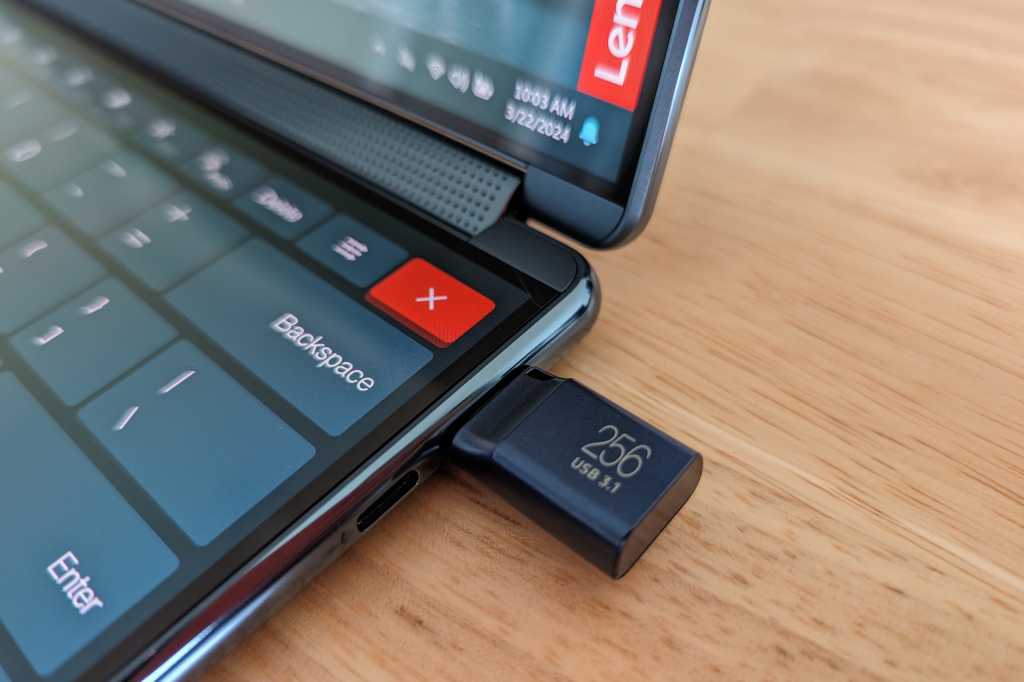
But what many players don’t know is that an even smaller and lighter solution is available by turning the humble USB flash drive into a portable gaming console. You still need a PC to play, but it means you can get around with more compact gear. Here’s how to do it for under $100…

What you’ll need…

  • A USB flash drive: I’m using the SanDisk 512GB drive, but you can also use one with a smaller or larger capacity.
  • A small wireless keyboard: Here’s one on Amazon I found for just $10 that will do the job just fine. It also has a compartment in the back to store your USB flash drive.
  • A gamepad: A lot of USB gamers rate the 8BitDo Pro 2. It supports USB-C, so you can just plug it into your PC without any fuss.

Adam Patrick Murray

What to do…

Install the OS on your flash drive

Your flash drive needs to be set up with the open-source OS Batocera to play. Here are the steps:

  • Plug your USB flash drive into your PC.
  • Go to the Batocera website. Then select the x64 Windows version of the OS and wait until it downloads.
  • Now download and install the BalenaEtcher tool which you will need to flash the Batocera OS to your flash drive.
  • Open BalenaEtcher, click Flash from File and choose the downloaded Batocera file.
  • Choose your USB flash drive and select Flash to flash the OS to the device.
  • When the flashing is done, hit Cancel or Ignore on all the windows that pop up.

Boot into your flash drive

Now that the OS is installed, you need to boot into your flash drive. There are two ways to do this, so if the right options don’t appear the first way, try the second way.

Method 1

  • Type recovery options into the Windows start menu and under Advanced Startup hit Restart now.
  • Now select Use a device and then UEFI: Removable Device. Batocera should boot now. If you didn’t see the option to select the UEFI: Removable Device, use the next method.

Method 2

  • Power down your PC and power it up again.
  • While your PC is powering up hit the F12 key to enter your PC’s BIOS menu.
  • When given the choice to pick a boot device select UEFI: USB, Partition (your USB flash device). This should boot you into Batocera.

Further reading: Best external drives

Load games into Batocera

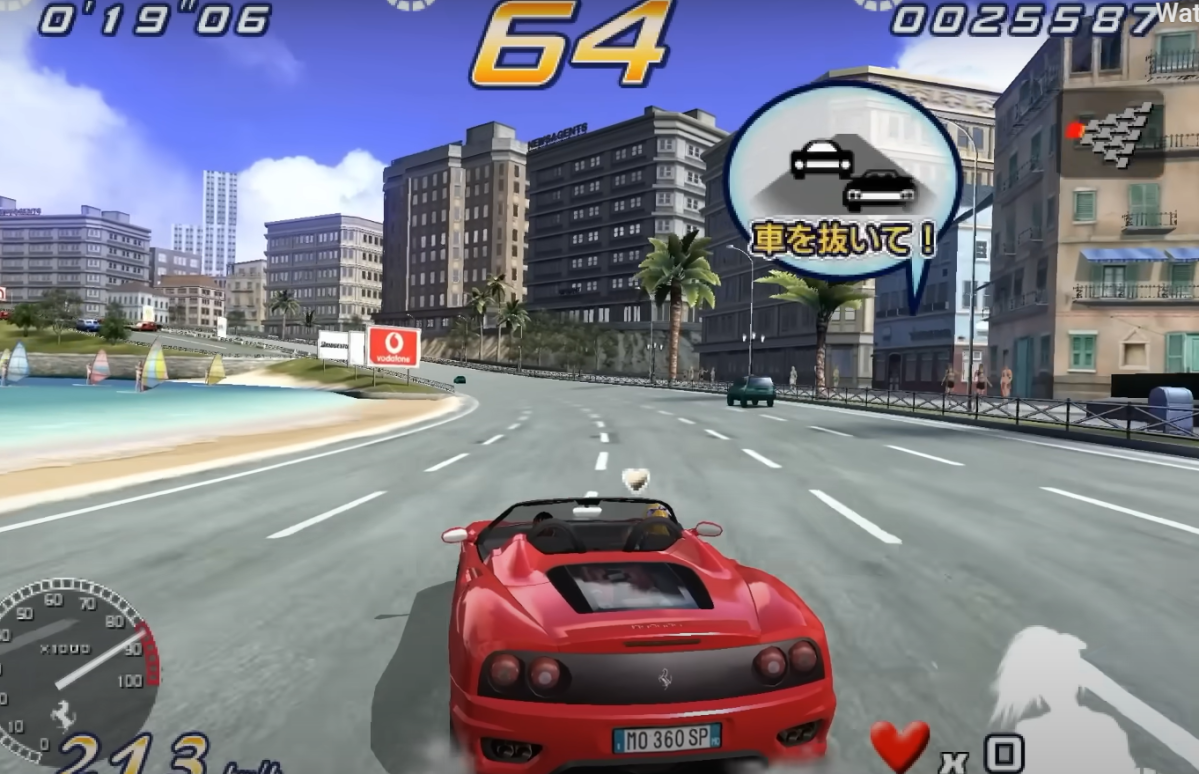
Now that you have Batocera installed you’re going to want to populate the OS with some games. Batocera is an emulation frontend that supports a large number of game emulators for retro game consoles.

PlayStation 2, PlayStation 3, and Nintendo 3DS games are just a small fraction of the game types you can play using Batocera. The OS does come with a limited number of game ROMs preloaded, which are free and legal to use, but if you want more than that you’ll need to install your own ROMs.
Batocera

Dominic Bayley / IDG

I can’t tell you where to get these from. It’s illegal to use ROMs without a license, so you’ll want to own each and every one. Here’s how to load them up.

  • In Batocera press F1 to launch the file manager.
  • Find the location of the ROM files on your computer, or else plug in the storage device that has the ROMs (USB stick or hard drive) and select it from the list on the left-hand side.
  • Highlight and right click on the files you want to copy.
  • Click on ROMs down the left-hand side. Find the folder for the appropriate game emulator and paste the game files into it.
  • Now your games will be visible, but some may not have artwork.
  • To apply artwork to each game, find the game in Batocera and long press the X button (number 3 button) on your controller. Now select Scrape. You will have to be connected to the internet for this to work.

You should be up and running now and can use your flash drive on any PC to play retro games. As a general rule any PC with mid-range specs will work a treat; you should hit about 60fps in most games.

Some things to take note of

This whole process can be done with an SD card or a portable hard drive instead of a USB flash drive. Personally, I find a USB flash drive is the ideal size to carry, being neither too small, nor too large.

To get the best out of Batocera and your games, it’s also worth watching a few “How to” videos to familiarize yourself with the OS. You’ll want to learn how to adjust the video settings and resolution for specific emulators, for example, so that your games will look great. For these and more tutorials, a great source of information is the YouTube channel Batocera Nation.

That’s all for now. Happy retro gaming!

Further reading: Is your USB flash drive trustworthy? These tips will tell you

Total
0
Shares
Share 0
Tweet 0
Pin it 0
Roubens Andy King

Previous Article
Analyst Says XRP Price Is Yet To Hit Its First Bearish Target, It’s Much Lower
  • Crypto

Analyst Says XRP Price Is Yet To Hit Its First Bearish Target, It’s Much Lower

  • August 30, 2025
  • Roubens Andy King
Read More
Next Article
Costco's controversial policy change officially takes effect
  • Trading

Costco's controversial policy change officially takes effect

  • August 30, 2025
  • Roubens Andy King
Read More
You May Also Like
Disney Settles FTC Complaint With YouTube Over Children’s Data Collection
Read More
  • Tech

Disney Settles FTC Complaint With YouTube Over Children’s Data Collection

  • Roubens Andy King
  • September 3, 2025
This HP laptop with an astonishing 32GB of RAM is just 1
Read More
  • Tech

This HP laptop with an astonishing 32GB of RAM is just $261

  • Roubens Andy King
  • September 3, 2025
Hot deal: Samsung Galaxy S25 Edge plummets to record-low price!
Read More
  • Tech

Hot deal: Samsung Galaxy S25 Edge plummets to record-low price!

  • Roubens Andy King
  • September 3, 2025
007 First Light looks like a hit, man
Read More
  • Tech

007 First Light looks like a hit, man

  • Roubens Andy King
  • September 3, 2025
Amazon’s Tomb Raider series will star Sophie Turner as Lara Croft
Read More
  • Tech

Amazon’s Tomb Raider series will star Sophie Turner as Lara Croft

  • Roubens Andy King
  • September 3, 2025
Orchard Robotics, founded by a Thiel fellow Cornell dropout, raises M for farm vision AI 
Read More
  • Tech

Orchard Robotics, founded by a Thiel fellow Cornell dropout, raises $22M for farm vision AI 

  • Roubens Andy King
  • September 3, 2025
Meta launches an Instagram app for the iPad, 15 years after its mobile app; it is slightly different than the mobile app, opening directly to a feed of Reels (Mia Sato/The Verge)
Read More
  • Tech

Meta launches an Instagram app for the iPad, 15 years after its mobile app; it is slightly different than the mobile app, opening directly to a feed of Reels (Mia Sato/The Verge)

  • Roubens Andy King
  • September 3, 2025
Acer Swift Air 16 laptop weighs less than 1kg, with a 16-inch screen, up to 32GB memory, and up to 1TB storage
Read More
  • Tech

Acer Swift Air 16 laptop weighs less than 1kg, with a 16-inch screen, up to 32GB memory, and up to 1TB storage

  • Roubens Andy King
  • September 3, 2025

Recent Posts

  • Federal Reserve Board – Federal Reserve Board issues enforcement actions with former employee of Ally Bank and former employee of Regions Bank
  • Mohnish Pabrai: FASTEST Way To Financial Freedom! Proven Playbook For Quitting Your 9-5 In 9 Months!
  • Federal Reserve Board – Agencies request comment on proposals to modernize the regulatory capital framework and maintain the strength of the banking system
  • China Import Made Easy | Start Business with Sea Cargo 100 PKR per Kg
  • Federal Reserve Board – Federal Reserve issues FOMC statement
Featured Posts
  • Federal Reserve Board – Federal Reserve Board issues enforcement actions with former employee of Ally Bank and former employee of Regions Bank 1
    Federal Reserve Board – Federal Reserve Board issues enforcement actions with former employee of Ally Bank and former employee of Regions Bank
    • March 20, 2026
  • Mohnish Pabrai: FASTEST Way To Financial Freedom! Proven Playbook For Quitting Your 9-5 In 9 Months! 2
    Mohnish Pabrai: FASTEST Way To Financial Freedom! Proven Playbook For Quitting Your 9-5 In 9 Months!
    • March 19, 2026
  • Federal Reserve Board – Agencies request comment on proposals to modernize the regulatory capital framework and maintain the strength of the banking system 3
    Federal Reserve Board – Agencies request comment on proposals to modernize the regulatory capital framework and maintain the strength of the banking system
    • March 19, 2026
  • China Import Made Easy | Start Business with Sea Cargo 100 PKR per Kg 4
    China Import Made Easy | Start Business with Sea Cargo 100 PKR per Kg
    • March 18, 2026
  • Federal Reserve Board – Federal Reserve issues FOMC statement 5
    Federal Reserve Board – Federal Reserve issues FOMC statement
    • March 18, 2026
Recent Posts
  • Federal Reserve Board – Federal Reserve Board and Federal Open Market Committee release economic projections from the March 17-18 FOMC meeting
    Federal Reserve Board – Federal Reserve Board and Federal Open Market Committee release economic projections from the March 17-18 FOMC meeting
    • March 18, 2026
  • ₹70 vs ₹90 Lakh: A Financial Dilemma
    ₹70 vs ₹90 Lakh: A Financial Dilemma
    • March 17, 2026
  • What Every Family Should Compare Before Switching Cell Phone Companies
    What Every Family Should Compare Before Switching Cell Phone Companies
    • March 17, 2026
Categories
  • Business (2,057)
  • Crypto (2,023)
  • Economy (235)
  • Finance Expert (1,687)
  • Forex (2,016)
  • Invest News (2,448)
  • Investing (2,040)
  • Tech (2,056)
  • Trading (2,024)
  • Uncategorized (2)
  • Videos (1,005)

Subscribe

Subscribe now to our newsletter

Money Visa
  • Privacy Policy
  • DMCA
  • Terms of Use
Money & Invest Advices

Input your search keywords and press Enter.